
Traffic Warrants in Uvalde County
A traffic citation begins with the court printed on the ticket. A missed appearance can add a separate “Violate Promise To Appear” charge and may lead to an arrest warrant; an unpaid judgment can lead to capias pro fine process. Uvalde County's JP courtesy letter describes that sequence, but it does not set a current timetable for every case.
Uvalde and Sabinal municipal courts handle city citations. County tickets belong with the JP precinct named on the citation. Contact the right clerk before paying because the courts use different search and payment paths.
Uvalde County Citation-to-Warrant Chain
The county's JP courtesy letter says that if a person does not respond by the appearance date, a VPTA charge may be filed with a warrant for arrest. Its older language mentions a $50 fee per charge for executing or processing a warrant. The letter is from 2019, and statutory service-fee rules changed in 2025, so confirm any current amount with the court.
That letter also points JP matters toward the county's Pay My Ticket / Pay My Fine hub, which lists official clerk and JP payment routes. It does not mean a payment alone recalls a warrant. Ask whether the citation is still open, whether a warrant issued, and whether an appearance or recall order is needed.
Read the county courtesy letter for its dated notice.
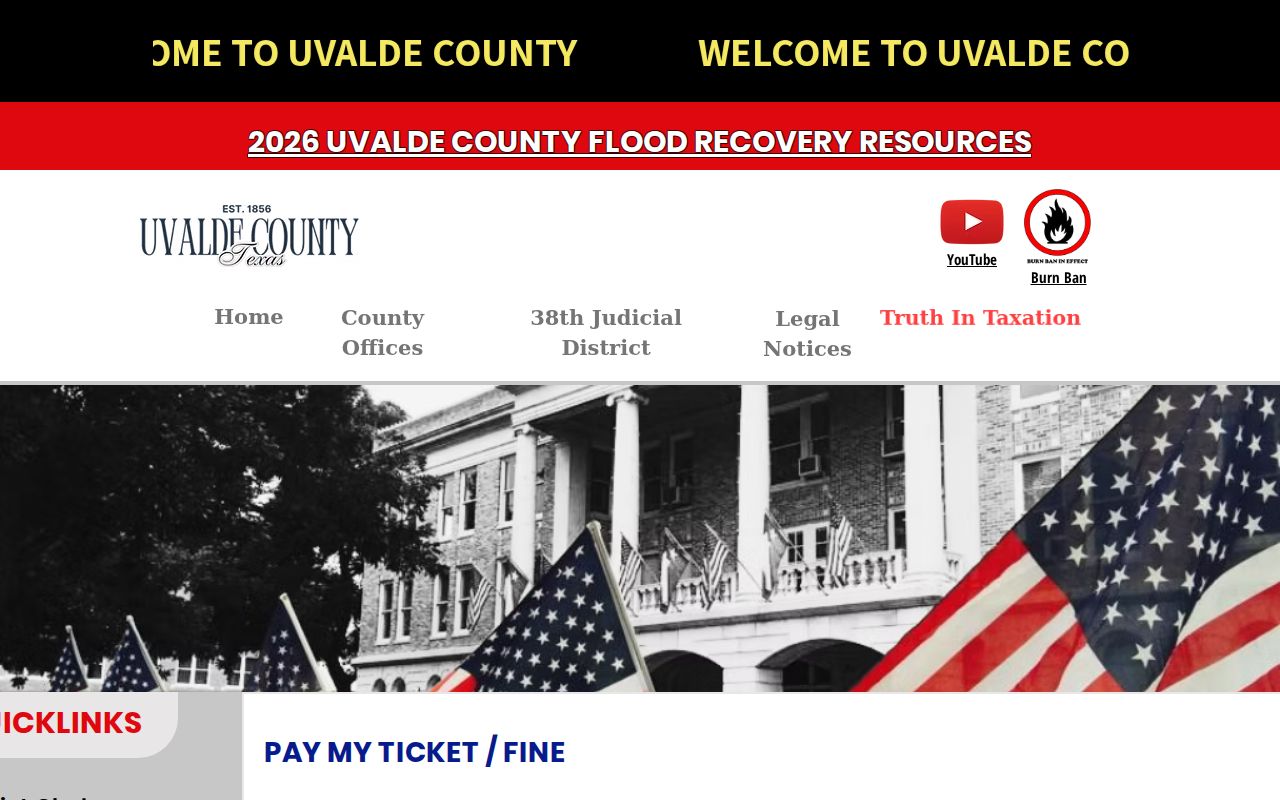
The county hub directs visitors to payment channels; it does not report whether a warrant is active or recalled.
Check Uvalde County Traffic Warrants
Use the court named on the ticket. The Uvalde Municipal Court search offers citation and name modes, but no warrant-only filter. A county ticket must go to its JP clerk, and a Sabinal ticket must go to Sabinal Municipal Court. The sheriff can confirm service or custody, not replace the issuing court's case check.
- For a Uvalde city ticket, search the official Tyler portal by citation and date of birth, name and date of birth, license, vehicle, or business name.
- For a county citation, use the JP precinct directory to identify the court or the county payment hub to reach its official nCourt route. For Sabinal, call the city clerk.
- Ask the clerk whether the matter is an open citation, FTA, arrest warrant, capias pro fine, or license hold. The Sheriff is at (830) 278-4111 for county service questions.
- If a portal or call does not resolve the record question, request existing records from the court or agency under the Texas Public Information Act. Confirm status before acting.
Uvalde County Traffic Citation Portal Limits
The Uvalde portal lists citation number with date of birth, driver's license with state and date of birth, name with date of birth, vehicle information, business name, and an SSN mode. The page does not say which fields are required for every search. It also displays an identity-service notice.
No active-warrant filter, county precinct selector, warrant number field, result update cadence, or list completeness statement was visible. A city citation hit or no-hit does not answer whether a JP or district court holds separate process.
The portal returns municipal citation entries; only the court can confirm whether a warrant issued.
Use the visible fields only for the citation matter they describe, then confirm warrant status with the clerk.
Uvalde County Traffic Warrant Record
The researched portals do not expose a public traffic-warrant result schema. Use the case or citation number to ask the issuing clerk to confirm these details, rather than assuming the search screen is a warrant record.
| Warrant / citation reference | Use the citation number on the ticket; no sample warrant format was published. |
|---|---|
| Charge or offense | Ask the court to name the citation or ordinance entry that led to the process. |
| Issuing court | Confirm whether the ticket belongs to Uvalde, Sabinal, or a JP precinct. |
| Fine, fee, or bond | Ask for the current case-specific amount and whether payment alone is allowed. |
| Status | Confirm citation, FTA, warrant, capias pro fine, hold, or recall as separate entries. |
Uvalde County Sabinal Traffic Warrant Payments
Sabinal's official payment vendor says card payments carry a 2.95% convenience fee, with a $1.95 minimum, and that payments may take up to 48 hours to appear. The municipal-court page says cash or money orders may be paid in person or mailed; personal checks are not accepted, and credit or debit cards are available online or in person.
Sabinal says to ask the clerk for the accurate amount and to have the ticket and license number ready. Its court also says appearances must be scheduled remotely under the posted operating plan. Confirm whether a warrant recall or court appearance is required before making a payment.
The Sabinal payment page gives vendor timing and fee details.
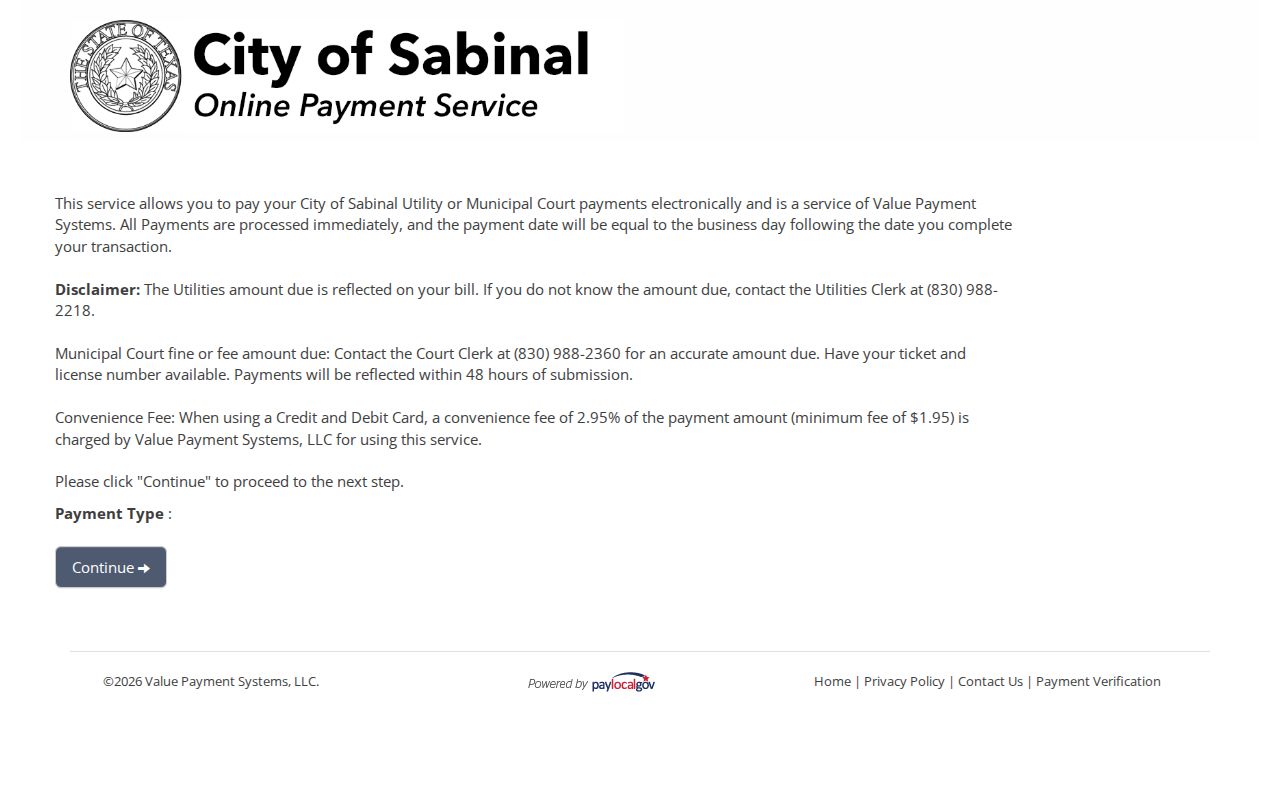
The payment screen supports Sabinal's court route; it does not confirm that a warrant was recalled.
Pay a Uvalde County Traffic Warrant
Call the court before paying. Ask for the current balance, whether an appearance is required, and whether the judge must recall the warrant first. Uvalde County's hub links JP payments; Uvalde city uses Tyler; Sabinal links to PayLocalGov. Payment terms differ by court.
- Confirm the court, warrant type, balance, and required appearance with the clerk.
- Ask whether online payment is accepted or whether the judge requires a reset, appearance, or other arrangement.
- If contesting the case, ask about bond or a personal-bond option and get the court's instruction before posting money.
- Keep the receipt and ask for written warrant recall confirmation. Check any DPS/OmniBase hold separately.
Warning: Paying a citation does not by itself prove recall; ask the court whether an appearance or signed order is required.
Uvalde County Traffic Warrant and FTA Holds
Sabinal's court says a failure to appear or pay may trigger an OmniBase hold and, if the person has no driver's license, an arrest warrant. Its page reports a $30 charge per case reported and says a paid hold usually takes two to three days to clear. DPS separately says a court-reported update can take three to five business days.
These are different process points. A license-renewal hold is not the warrant itself, and the OmniBase database covers only participating-jurisdiction reports. Ask the court to confirm both records after payment.
Uvalde County Traffic Warrant vs FTA
A traffic case can involve a citation, an FTA entry, an arrest warrant or capias pro fine, and a reported license-renewal hold. The court decides the case and warrant status. DPS administers the state hold program after a participating court reports a violation.
| Mechanism | What Triggers It | What It Does |
|---|---|---|
| Traffic warrant | Court process after an unpaid or missed citation duty | Authorizes arrest under the court order |
| Failure to appear (FTA) | Missed a scheduled court setting | May add a separate charge or warrant step |
| License renewal hold | Participating court reports an unresolved FTA/FTP | Can block renewal; it is not a full warrant check |
Uvalde County DPS Hold Is Separate
DPS says its license specialists cannot tell a caller whether an outstanding warrant exists. The issuing city or county court must answer that question. If a court reported an FTA/FTP hold, contact that court about the balance, appearance requirement, and when it will send a release to DPS.
OmniBase's “Check For FTA Hold” route is limited to reported violations from participating jurisdictions. It does not cover every Uvalde County warrant. Keep the court's written recall or clearance note and verify the hold after the court reports it.
DPS FTA/FTP program details explain the renewal-hold process.
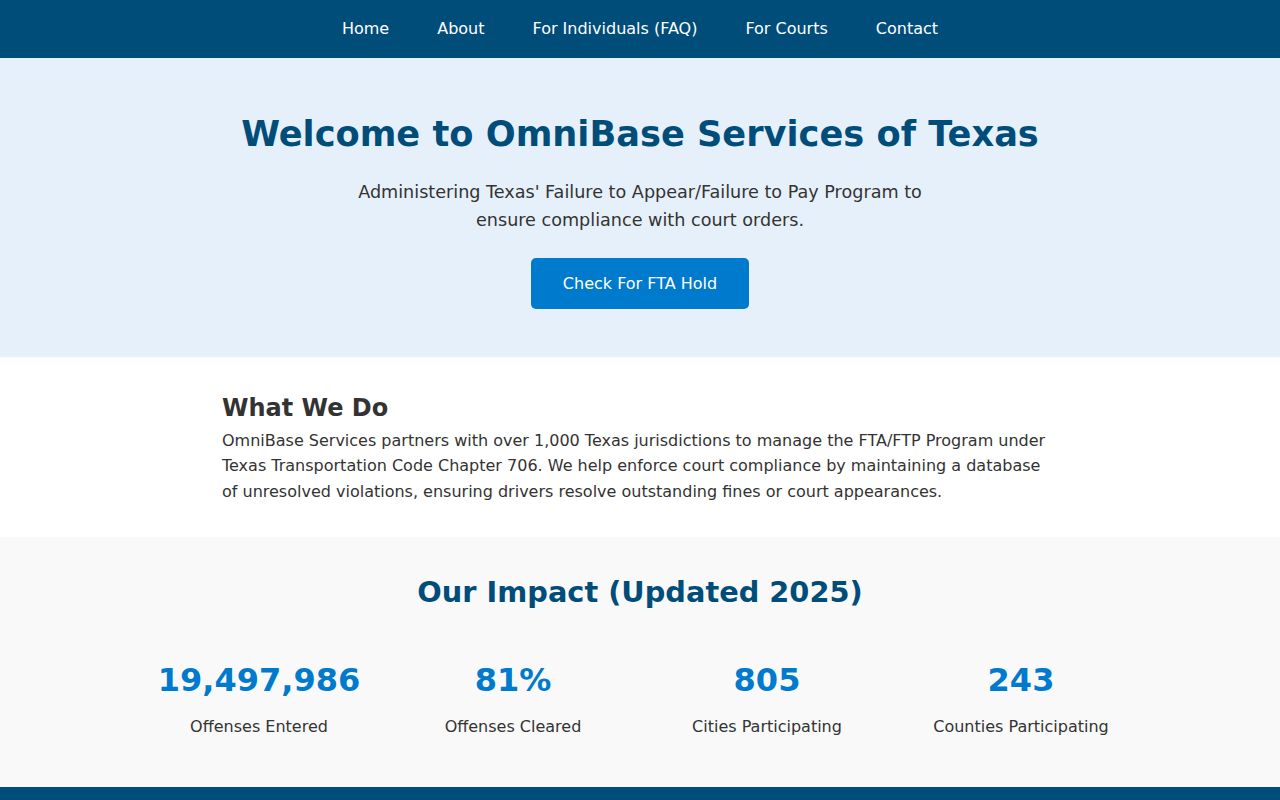
The program checks a hold record, not the court's full warrant file.