
How to Check for a Warrant in Uvalde
For a Uvalde city ticket, start with the official Tyler municipal-court search or call the Municipal Court clerk. The portal offers citation number and date of birth, first and last name and date of birth, driver's-license, vehicle, business-name, and SSN modes. It does not show an active-warrant-only filter, so a citation result must be confirmed with the clerk.
- Use the Uvalde Municipal Court portal with the least-sensitive field that can find your own citation.
- Call the clerk to ask whether the case shows an FTA, unpaid violation, warrant, capias, bond, or required appearance.
- Ask whether payment alone can resolve the citation or whether the judge requires a reset or voluntary appearance.
- For service or county custody, call the sheriff; for a county ticket or felony case, use the court printed on that paper.
- Keep written confirmation of recall and ask when the next setting is scheduled.
Uvalde Warrant Portal Has Six Search Modes
The Tyler search page groups searches by citation, driver's license, name, Social Security number, vehicle information, and business name. Citation and name modes show a date-of-birth field; the driver's-license mode has a state selector. The public text view does not say which fields are required in every mode.
| Mode | Fields shown | Limit |
|---|---|---|
| Citation | Citation number and DOB | No warrant-only filter shown |
| Name | First name, last name, DOB | No matching or update rule stated |
| License | License number, state, DOB | Identity fields are sensitive |
| Vehicle or business | Plate/state and vehicle field; business name | Not a countywide court index |
The page displays an identity-service notice, but no active-warrant status selector or complete-list disclaimer. Treat it as a city citation tool and confirm the order with the clerk.
The Uvalde Police Department and Municipal Court
The Uvalde Municipal Court handles traffic citations, truancies, and civil matters, and the city's official description says it may issue warrants for unpaid violations or failure to appear. The city's police department is separate from the county sheriff. No police-specific public warrant portal was located in the official Uvalde sources reviewed.
For a city citation or court record, use the Municipal Court clerk. For a service question, use a current city law-enforcement contact or ask the court which officer received the process.
Uvalde Municipal Court
101 E. Main Street, Uvalde, TX 78801
(830) 278-8357
Uvalde Warrant Service Is a Separate Role
The municipal judge is contracted, and the city's historical budget describes two clerks who handle fines, records, and questions. The same older material placed pleas, arraignments, and hearings on the second and fourth Tuesdays. Treat that schedule as historical; the current clerk must confirm when the court will hear a case.
The city court decides its citation and recall process. Uvalde police may execute city court process, while the county sheriff handles county-held or transferred service questions. A city portal result does not say which officer has a warrant.
Types of Uvalde Warrants
Uvalde's municipal court handles city ordinance and traffic cases. The court's published description links warrants to unpaid violations and failures to appear. A county JP citation or district arrest warrant belongs to another court and should not be treated as a Uvalde city-court record.
| Warrant Type | How It Arises | Who Issues It |
|---|---|---|
| Traffic or Class C | Unpaid city citation or missed court date | Uvalde Municipal Court |
| Ordinance violation | Unresolved city-code case | Uvalde Municipal Court |
| FTA / bench process | Failure to appear or meet a court duty | Municipal judge |
| District or JP arrest process | Separate charge or county citation | Issuing magistrate, JP, or district court |
Uvalde Warrant Differs From a JP Ticket
A Uvalde city citation is searched and resolved through the municipal court. A county traffic ticket belongs to the JP precinct written on the citation. The county directory lists five active precincts, and the number gap between Precinct 4 and Precinct 6 is official. A city-court clerk cannot clear a separate JP file.
If the paper names a JP or the 38th Judicial District, switch to that court before paying. The city page does not search all county cases.
What a Uvalde Warrant Record Shows
Uvalde's public portal does not publish a warrant-result field list or a sample warrant number. Use the citation or case number on the city notice to ask the clerk what the record says. Confirm the status before paying or appearing.
| Citation reference | Use the number printed on the city notice; no public sample format was verified. |
|---|---|
| Person match | Ask the clerk to verify the case with a second identifier. |
| Charge or offense | Confirm the citation or ordinance entry tied to the court file. |
| Issuing court | Uvalde Municipal Court for a city citation; JP or district matters are separate. |
| Fine or bond | Request the current amount and whether a personal appearance is required. |
| Status | Ask whether the record shows an open citation, FTA, warrant, payment, or recall. |
Uvalde Warrant Payment Needs Recall Proof
The Tyler page lets a user search a citation, but it does not show that online payment automatically recalls an outstanding warrant. Before paying, ask whether a personal appearance, reset, voluntary good-faith appearance, or judge's order is required. The court's contact page gives the clerk's email and phone for case questions.
After payment or court appearance, keep the receipt and request written confirmation that the warrant was recalled. Ask separately about any reported OmniBase hold and when the next court setting occurs. A paid balance and a recalled warrant are related but distinct entries.
Where Uvalde Warrants Fit With Uvalde County
Warrant flow: Uvalde Municipal Court / Uvalde police › Uvalde County Sheriff's Department for county service or custody questions › DPS/OmniBase only for a participating-court FTA/FTP hold. Texas has no single public statewide warrant search. For JP cases, use the county's precinct directory; felony records go through the 38th District Clerk, and county service questions go to the Sheriff's Department.
Uvalde Warrant Records Have No PD Portal
No official Uvalde Police Department public warrant page was located. The city's court portal is a citation search, and the Sheriff's Department page is a contact channel rather than an online roster. A resident should not treat the lack of a city portal result as proof that no warrant exists.
The Census incorporated-place table documents the city population.
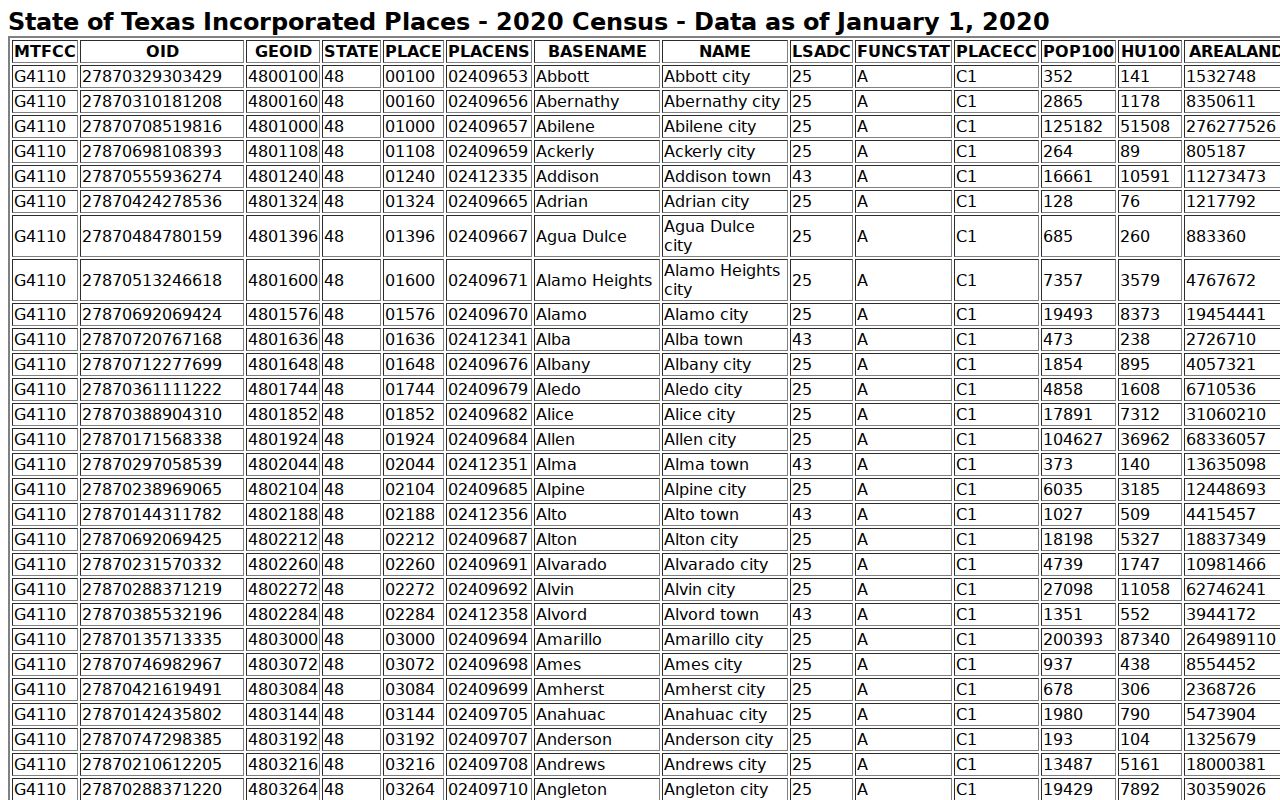
Population context helps identify the city profile and says nothing about pending court process.
Public Access to Uvalde Warrant Records
The Texas Public Information Act covers existing city records unless an exception or other law restricts release. A request goes to the city office that holds the file. Juvenile warrant material is confidential, and sealed or investigation-related records may not appear in ordinary public access.
Key Rules:
Texas Public Information Act, Government Code Chapter 552 provides a request path for existing public records, subject to exceptions.
Code of Criminal Procedure Chapter 45A governs lower-court warrant and FTA process.
Texas Family Code Chapter 58 protects child arrest-warrant records and supporting papers.
Uvalde Warrant Status Needs the City Clerk
If the portal returns no match or only a citation balance, call the Municipal Court and ask whether a warrant issued, whether a judge must recall it, and whether the case has a new setting. For an arrest or service question, ask the court which agency received the process.
Uvalde's current portal displays an identity-service notice, while older budget material describes a contracted judge and clerk staffing. Neither source gives a current warrant count. Rely on the clerk's case-specific confirmation, not historical workload or a general portal screen.